 2e67587ec7
* Cache repair deletes the old cache before a rename it never checks

Both zip-repair paths removed the damaged cache, moved repair.zip onto
its name without looking at the result, and announced a successful
recovery either way. A refused move left the entries under a name
nothing reads and no cache at all. Go through hts_rename_over(), which
keeps the destination when it cannot replace it, and report the failure
instead of claiming success.

Closes #786

Co-Authored-By: Claude Opus 5 (1M context) <noreply@anthropic.com>
Signed-off-by: Xavier Roche <roche@httrack.com>

* hts_rename_over() can lose its destination when the retried rename fails

The unlink-then-rename fallback leaves nothing in place of dst between
the unlink and the retry, so a retry that fails too loses it. Park dst
under a free scratch name instead, drop it once the move succeeded, and
put it back otherwise.

Closes #790

Co-Authored-By: Claude Opus 5 (1M context) <noreply@anthropic.com>
Signed-off-by: Xavier Roche <roche@httrack.com>

* Give the cache-repair test Windows coverage

The Windows job iterates a fixed glob, so a 106_engine-* test never ran
there; name it in the list. The move it exercises is the one whose
failure mode is Windows-specific.

Co-Authored-By: Claude Opus 5 (1M context) <noreply@anthropic.com>
Signed-off-by: Xavier Roche <roche@httrack.com>

* Review fixes: check the restore, probe in UTF-8, state the honest guarantee

The move back out of the parked name was unchecked, so a retry that
failed for a reason that still applied left dst absent with the content
orphaned under a name nothing reported. Check it, retry once, and name
the parked copy in the log; hts_rename_over() takes an httrackp for that.

The aside probe used fexist(), which is not UTF-8 and consults the ANSI
codepage on Windows while the renames beside it are wide. It also reads
a directory as a free name, so the park now skips a name whose rename
refuses rather than giving up on it.

The header claimed a failure leaves dst as it was, which the crash
window between the two renames does not give.

Co-Authored-By: Claude Opus 5 (1M context) <noreply@anthropic.com>
Signed-off-by: Xavier Roche <roche@httrack.com>

* The aside fallback parked a directory that stood in the way

Windows refuses every rename onto an existing target, so the fallback is
production code there rather than the rare path it is on POSIX. A
directory at the destination was renamed aside like a file, the move
then succeeded, and UNLINK could not drop the parked directory, so the
call reported success where master had reported failure and left an
orphan behind. 101_local-update-stale-bak plants exactly that shape and
caught it on both Windows legs.

Park a regular file only. A directory in the way is refused, as before.

Co-Authored-By: Claude Opus 5 (1M context) <noreply@anthropic.com>
Signed-off-by: Xavier Roche <roche@httrack.com>

---------

Signed-off-by: Xavier Roche <roche@httrack.com>
Co-authored-by: Claude Opus 5 (1M context) <noreply@anthropic.com>
HTTrack Website Copier - Development Repository


About
Copy websites to your computer (Offline browser)
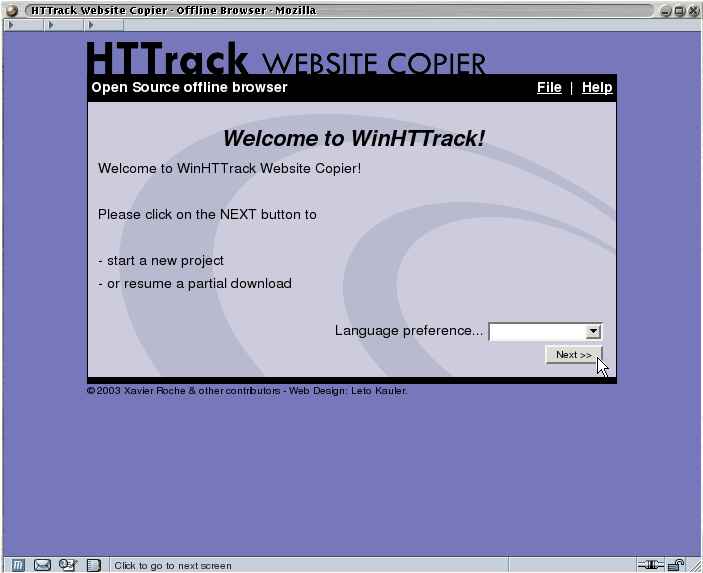
HTTrack is an offline browser utility, allowing you to download a World Wide website from the Internet to a local directory, building recursively all directories, getting html, images, and other files from the server to your computer.
HTTrack arranges the original site's relative link-structure. Simply open a page of the "mirrored" website in your browser, and you can browse the site from link to link, as if you were viewing it online.
HTTrack can also update an existing mirrored site, and resume interrupted downloads. HTTrack is fully configurable, and has an integrated help system.
WinHTTrack is the Windows 2000/XP/Vista/Seven release of HTTrack, and WebHTTrack the Linux/Unix/BSD release.
Website
Main Website: http://www.httrack.com/
Compile trunk release
A git checkout ships only the autotools sources, so ./bootstrap (which runs
autoreconf) regenerates configure first; this needs autoconf, automake and
libtool. Released tarballs already include configure, so building from a
tarball skips ./bootstrap.
git clone https://github.com/xroche/httrack.git --recurse-submodules
cd httrack
./bootstrap
./configure --prefix=$HOME/usr && make -j8 && make install
Or use the one-shot wrapper (bootstrap + configure + make), which forwards its
arguments to configure:
./build.sh --prefix=$HOME/usr