 5be8ba4bbd
Mirroring a site behind a login meant either re-implementing the auth
flow or dropping a file literally named cookies.txt into the output or
working directory, the only two places the engine looked. This adds a
CLI option to point at an arbitrary Netscape/Mozilla cookies.txt, so a
session exported from a browser (the "Get cookies.txt" extensions write
exactly this format) is replayed on the crawl and authenticated pages
come down.

The plumbing already existed: cookie_load parses the format into the
shared jar and the request path sends every matching cookie. The new
opt->cookies_file is loaded last, after the mirror/CWD defaults, so a
user-supplied value wins on a name/domain/path conflict. The field is
appended at the tail of httrackp, so the exported ABI is unchanged.

Cookies key on host[:port], so a bare-domain file matches a normal crawl
of a default-port site; only an explicit-port URL needs the port in the
cookie domain. Covered by 27_local-cookies-file.test: a gated page that
500s without a cookie no page ever sets, reachable only once the file
preloads it (with -o0 so the absence of a 500 error page is meaningful),
plus a no-cookie control. The local-crawl harness grows a --cookie helper
that writes a port-scoped jar. The copyopt self-test also gains a String
round-trip so the exported copy_htsopt path for the new field is covered.

Closes #215

Signed-off-by: Xavier Roche <roche@httrack.com>
Co-authored-by: Claude Opus 4.8 <noreply@anthropic.com>
HTTrack Website Copier - Development Repository


About
Copy websites to your computer (Offline browser)
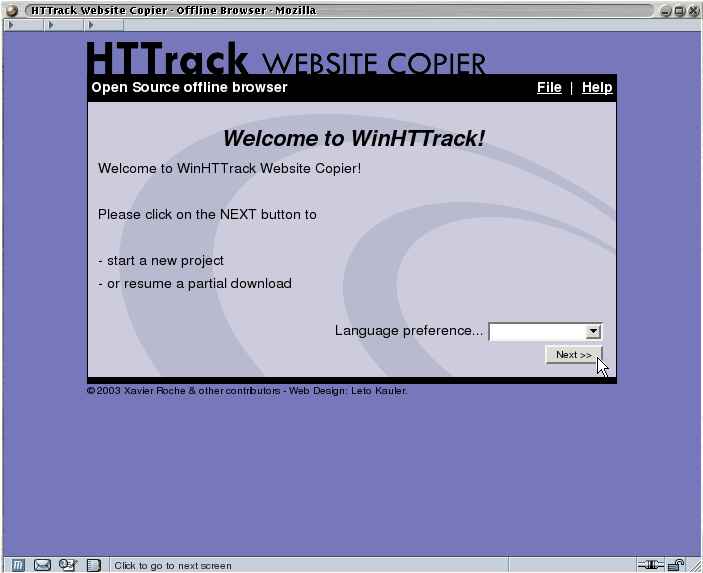
HTTrack is an offline browser utility, allowing you to download a World Wide website from the Internet to a local directory, building recursively all directories, getting html, images, and other files from the server to your computer.
HTTrack arranges the original site's relative link-structure. Simply open a page of the "mirrored" website in your browser, and you can browse the site from link to link, as if you were viewing it online.
HTTrack can also update an existing mirrored site, and resume interrupted downloads. HTTrack is fully configurable, and has an integrated help system.
WinHTTrack is the Windows 2000/XP/Vista/Seven release of HTTrack, and WebHTTrack the Linux/Unix/BSD release.
Website
Main Website: http://www.httrack.com/
Compile trunk release
A git checkout ships only the autotools sources, so ./bootstrap (which runs
autoreconf) regenerates configure first; this needs autoconf, automake and
libtool. Released tarballs already include configure, so building from a
tarball skips ./bootstrap.
git clone https://github.com/xroche/httrack.git --recurse-submodules
cd httrack
./bootstrap
./configure --prefix=$HOME/usr && make -j8 && make install
Or use the one-shot wrapper (bootstrap + configure + make), which forwards its
arguments to configure:
./build.sh --prefix=$HOME/usr