 6b9740dbc2
The documentation index is the page WinHTTrack opens for generic Help and the one httrack.com links as "Documentation", and it presented twenty destinations as a flat bullet list with nothing to say which one a newcomer wants. It is now a task-grouped hub in the interface guide's idiom, with overview.html folded in as the lede and refreshed for 3.50, and Fred Cohen's guide under an Archive heading labelled as written for 3.10, keeping its URL.

The chrome the hub needs is split out of guide.css into doc.css; guide.css keeps the platform switcher, tab strip and option entries. guide.html renders pixel-identically before and after the split at 1100px and 390px, in light and dark.

overview.html, start.html and cmddoc.html become meta-refresh stubs, like the retired step pages. start.html was a window.open popup launcher and cmddoc.html has 404ed since #661 deleted it.

Co-Authored-By: Claude Opus 5 (1M context) <noreply@anthropic.com>
Signed-off-by: Xavier Roche <roche@httrack.com>
HTTrack Website Copier - Development Repository


About
Copy websites to your computer (Offline browser)
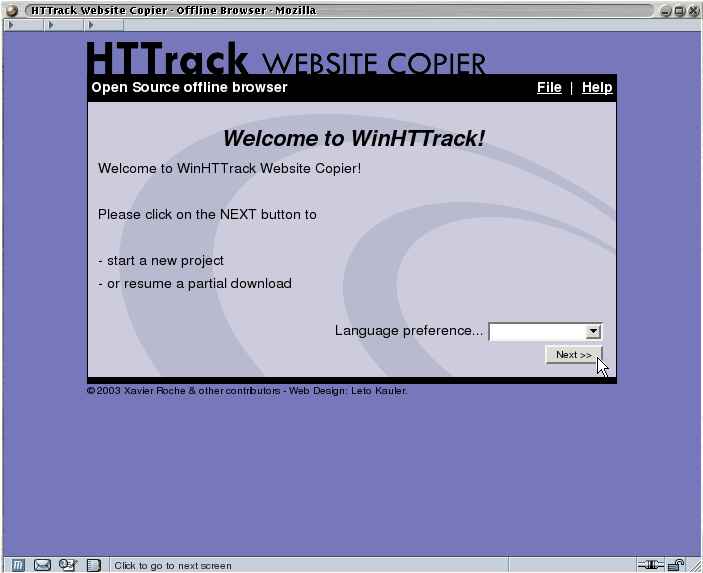
HTTrack is an offline browser utility, allowing you to download a World Wide website from the Internet to a local directory, building recursively all directories, getting html, images, and other files from the server to your computer.
HTTrack arranges the original site's relative link-structure. Simply open a page of the "mirrored" website in your browser, and you can browse the site from link to link, as if you were viewing it online.
HTTrack can also update an existing mirrored site, and resume interrupted downloads. HTTrack is fully configurable, and has an integrated help system.
WinHTTrack is the Windows 2000/XP/Vista/Seven release of HTTrack, and WebHTTrack the Linux/Unix/BSD release.
Website
Main Website: http://www.httrack.com/
Compile trunk release
A git checkout ships only the autotools sources, so ./bootstrap (which runs
autoreconf) regenerates configure first; this needs autoconf, automake and
libtool. Released tarballs already include configure, so building from a
tarball skips ./bootstrap.
git clone https://github.com/xroche/httrack.git --recurse-submodules
cd httrack
./bootstrap
./configure --prefix=$HOME/usr && make -j8 && make install
Or use the one-shot wrapper (bootstrap + configure + make), which forwards its
arguments to configure:
./build.sh --prefix=$HOME/usr