 71bece09fd
Route the getaddrinfo resolver through a swappable backend pair
(getaddrinfo/freeaddrinfo) that defaults to the libc resolver, so the
self-test can script DNS answers in-process with no network. The pair is
needed because a fake allocates its own addrinfo chain and must free it
with a matching deallocator.

Drive it from a new 'httrack -#D' debug subcommand backed by
htsdns_selftest.c: a scripted getaddrinfo checks address family,
single-address selection, the -@i4/-@i6 family filter, negative caching,
and that a cached host is resolved only once. tests/01_engine-dns.test
runs it.

No behavior change: the default backend is the libc resolver, one
indirect call on the cold resolve path. The seam stays internal (no
HTSEXT_API), so the exported ABI is unchanged. This is groundwork for the
multi-address record and connect fallback that fix the dead-IPv6 connect
stall; the dual-stack assertion pins today's single-address behavior and
will widen with that change.

Co-Authored-By: Claude Opus 4.8 <noreply@anthropic.com>
Signed-off-by: Xavier Roche <roche@httrack.com>
HTTrack Website Copier - Development Repository


About
Copy websites to your computer (Offline browser)
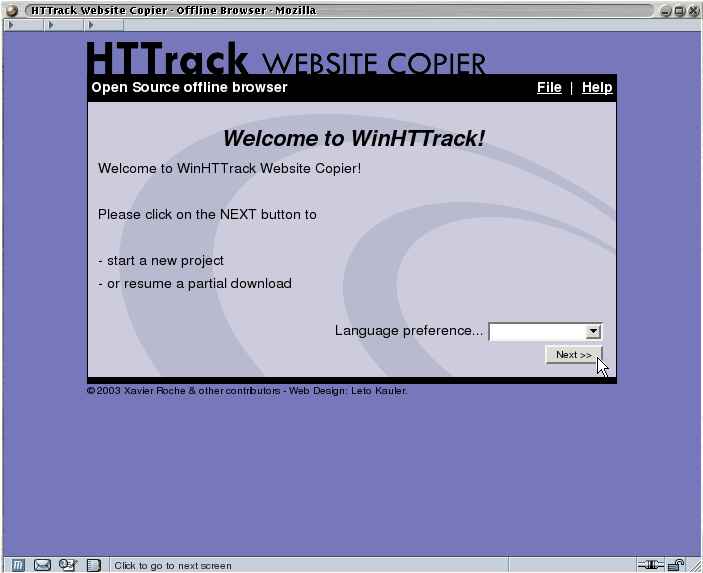
HTTrack is an offline browser utility, allowing you to download a World Wide website from the Internet to a local directory, building recursively all directories, getting html, images, and other files from the server to your computer.
HTTrack arranges the original site's relative link-structure. Simply open a page of the "mirrored" website in your browser, and you can browse the site from link to link, as if you were viewing it online.
HTTrack can also update an existing mirrored site, and resume interrupted downloads. HTTrack is fully configurable, and has an integrated help system.
WinHTTrack is the Windows 2000/XP/Vista/Seven release of HTTrack, and WebHTTrack the Linux/Unix/BSD release.
Website
Main Website: http://www.httrack.com/
Compile trunk release
A git checkout ships only the autotools sources, so ./bootstrap (which runs
autoreconf) regenerates configure first; this needs autoconf, automake and
libtool. Released tarballs already include configure, so building from a
tarball skips ./bootstrap.
git clone https://github.com/xroche/httrack.git --recurse-submodules
cd httrack
./bootstrap
./configure --prefix=$HOME/usr && make -j8 && make install
Or use the one-shot wrapper (bootstrap + configure + make), which forwards its
arguments to configure:
./build.sh --prefix=$HOME/usr