 896a589f94
A new --pause MIN[:MAX] (seconds, -%G) waits a random MIN..MAX between
files so a crawl looks less like a bot and is gentler on the server; a
single value is a fixed delay. Disabled by default.

It reuses the existing non-blocking launch gate
(back_pluggable_sockets_strict): rather than Sleep() -- which would freeze
the single select() pump and stall the other in-flight transfers -- the
gate just withholds new launches until the delay elapses, one file per
gap. The per-gap target is derived from the last-request timestamp so it
stays stable across the many gate evaluations within a gap yet rerolls on
each launch; sampling rand() per evaluation would instead bias the
realized delay toward MIN.

Two int fields appended at the httrackp tail (ABI-stable, no soname bump).
Covered by a pure-function self-test (range + spread, with teeth against
the min-bias bug) and a local-server crawl that asserts the pause slows a
multi-file mirror.

Closes #185

Co-Authored-By: Claude Opus 4.8 <noreply@anthropic.com>
Signed-off-by: Xavier Roche <roche@httrack.com>
HTTrack Website Copier - Development Repository


About
Copy websites to your computer (Offline browser)
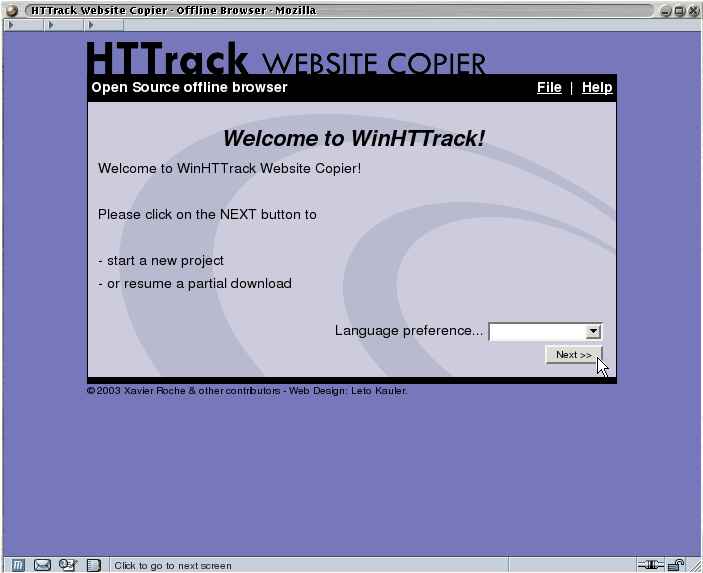
HTTrack is an offline browser utility, allowing you to download a World Wide website from the Internet to a local directory, building recursively all directories, getting html, images, and other files from the server to your computer.
HTTrack arranges the original site's relative link-structure. Simply open a page of the "mirrored" website in your browser, and you can browse the site from link to link, as if you were viewing it online.
HTTrack can also update an existing mirrored site, and resume interrupted downloads. HTTrack is fully configurable, and has an integrated help system.
WinHTTrack is the Windows 2000/XP/Vista/Seven release of HTTrack, and WebHTTrack the Linux/Unix/BSD release.
Website
Main Website: http://www.httrack.com/
Compile trunk release
A git checkout ships only the autotools sources, so ./bootstrap (which runs
autoreconf) regenerates configure first; this needs autoconf, automake and
libtool. Released tarballs already include configure, so building from a
tarball skips ./bootstrap.
git clone https://github.com/xroche/httrack.git --recurse-submodules
cd httrack
./bootstrap
./configure --prefix=$HOME/usr && make -j8 && make install
Or use the one-shot wrapper (bootstrap + configure + make), which forwards its
arguments to configure:
./build.sh --prefix=$HOME/usr